Lifetime Analyzer
Explore charge, temperature, voltage, and power over a selected range, with minimum, average, and maximum values.
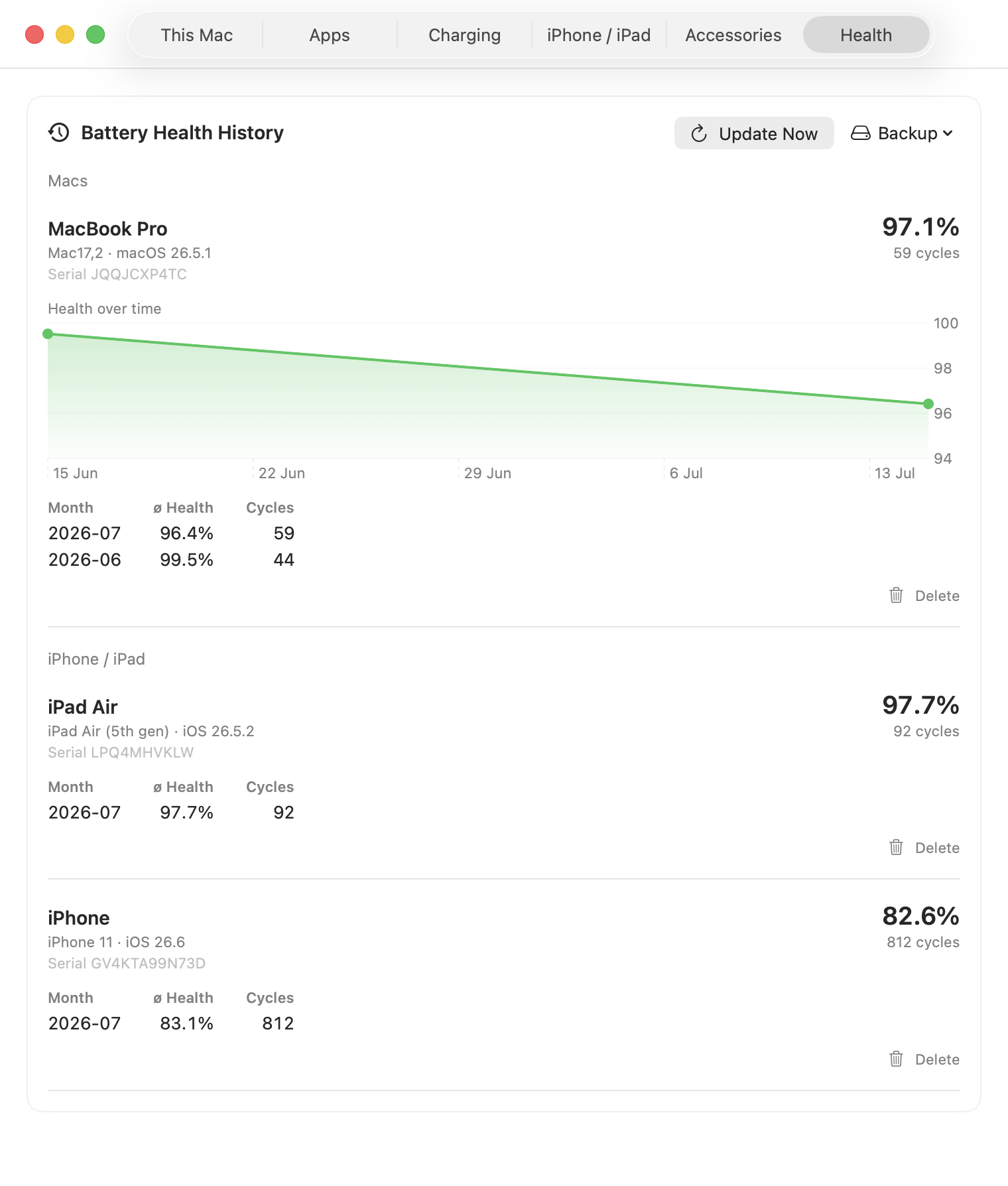
Keep a per-device record for years, see the wear rate, and forecast when a Mac battery is likely to reach 80% health.
Once there is enough history, WhatBattery fits a trend through the Mac's recorded health and estimates when it may reach 80%, the point Apple uses as a service reference.
It also reports the recent wear rate and flags when the battery begins ageing faster than its own established pattern.

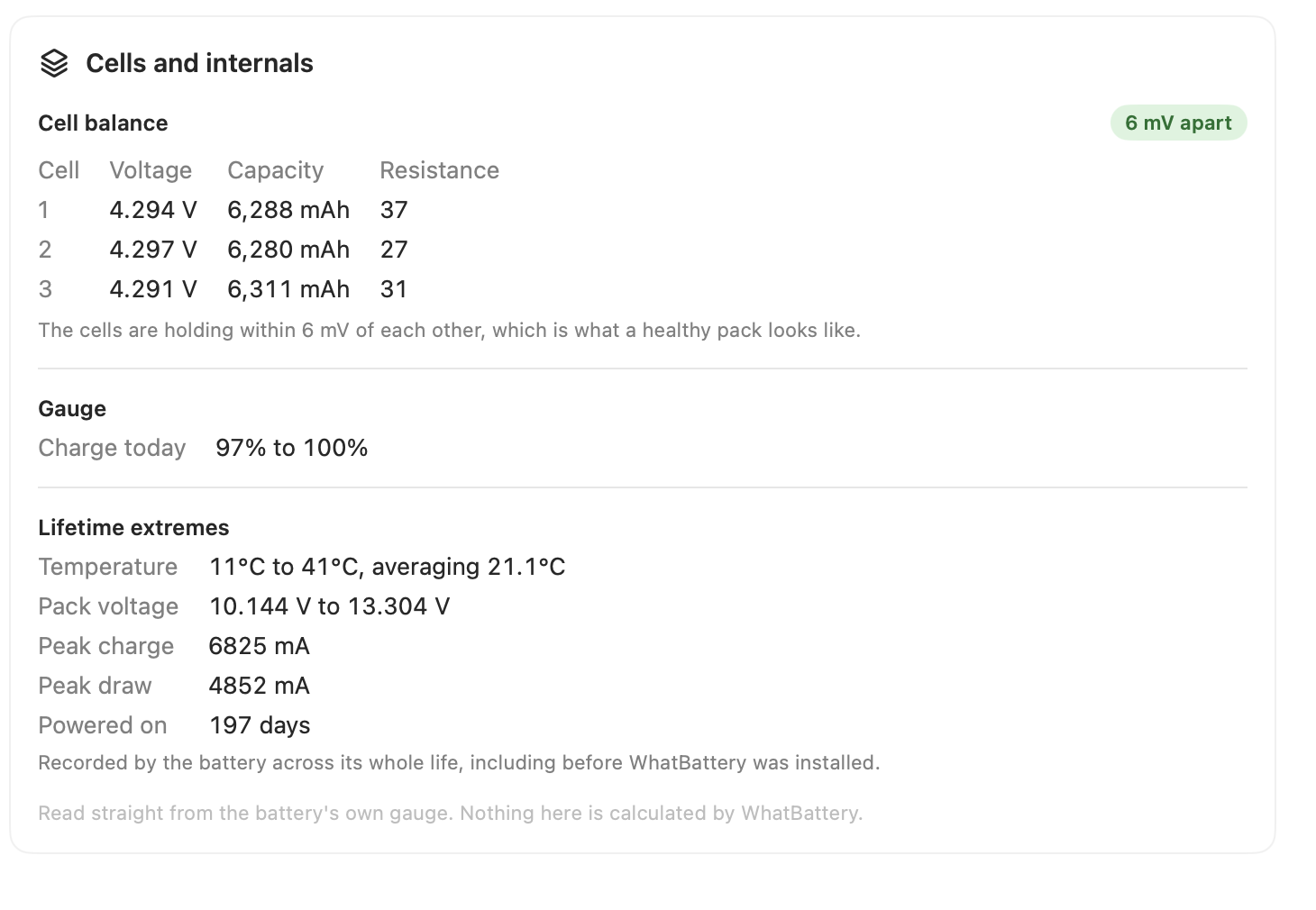
Dense telemetry helps explain what happened during a charge or drain. Sparse monthly health records show the slower wear story across every device.
Explore charge, temperature, voltage, and power over a selected range, with minimum, average, and maximum values.
Keep one durable record per device per day, rolled into monthly health and cycle summaries for Macs, iPhones, and iPads.

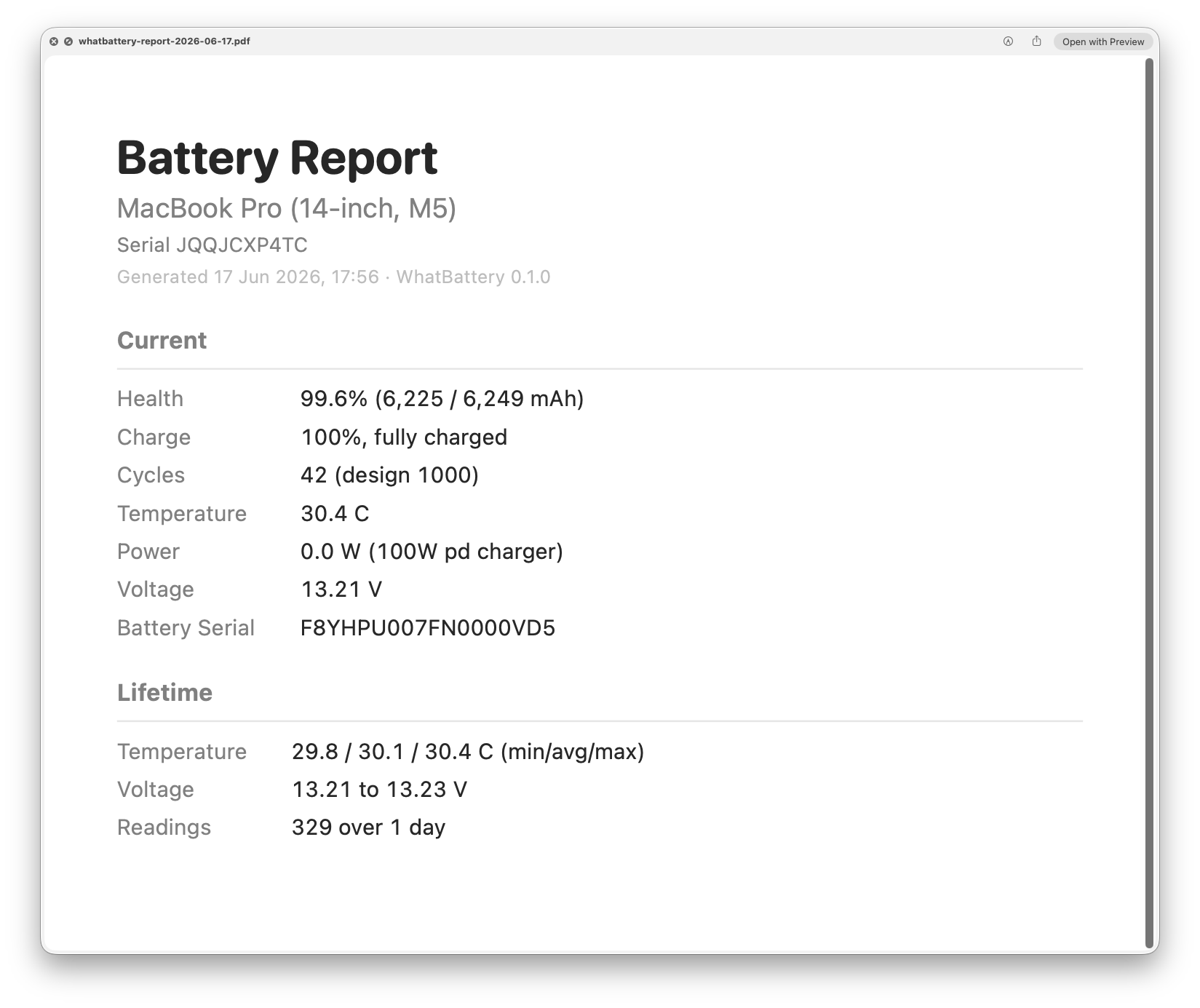
Turn the current reading and lifetime summary into a one-page PDF or printout for a warranty claim, a Genius Bar visit, or a resale listing.
For deeper analysis, export recorded samples as CSV or JSON. Health history can also be backed up and restored.
History, runway, reports, and export are included in WhatBattery Pro.