Read the battery without installing another app on it.

Connect an iPhone or iPad to your Mac once, then see its health, cycles, temperature, voltage, and live power over USB or Wi-Fi.

Your Mac becomes the battery dashboard.

WhatBattery uses the diagnostics connection Finder already understands. After the one-time trust step, a supported iPhone or iPad appears in the app with the same health maths used for the Mac.
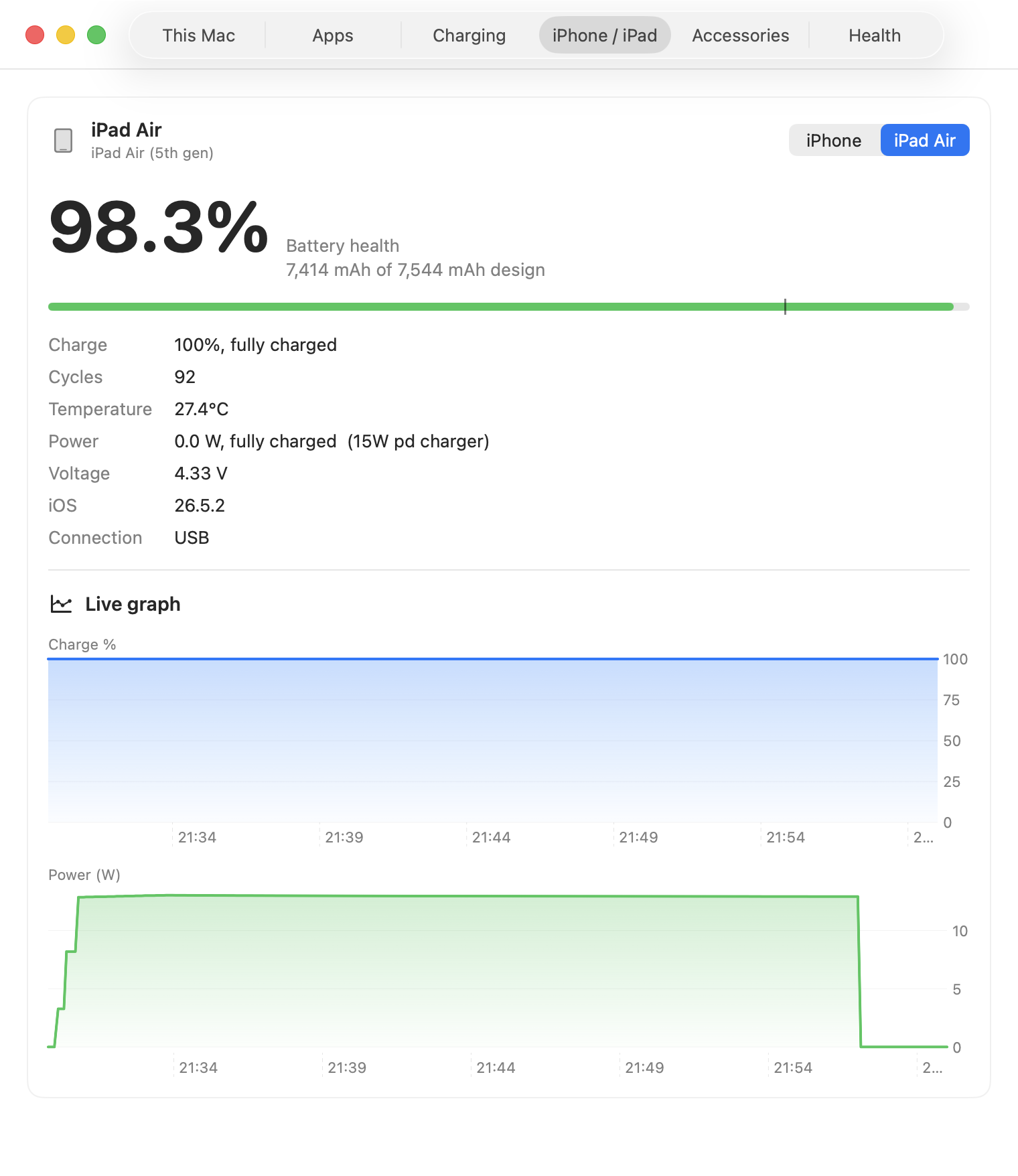
  • Health and raw capacity
  • Cycle count and charge state
  • Temperature, voltage, and live power
  • USB or Wi-Fi after the first pairing
  • No device-side app or account
WhatBattery showing iPhone battery health, cycles, charge, temperature, voltage, and live readings over Wi-Fi

Pair once. Read whenever the device is available.

1

Connect with a cable

Unlock the device and tap Trust. The first pairing cannot be completed wirelessly.

2

Enable Wi-Fi visibility

In Finder, choose “Show this iPhone when on Wi-Fi” and apply the setting.

3

Open the device tab

WhatBattery reads the available battery data. If iOS changes a field, it reports the device as unreadable rather than showing a bogus number.

Compatibility note: the diagnostics relay is an undocumented Apple interface. WhatBattery validates the data it receives and degrades cleanly if a future iOS release changes the fields. This capability requires a Developer ID build and is one reason the app is distributed outside the Mac App Store.

Follow the complete USB and Wi-Fi setup guide →

Keep the Mac, iPhone, and iPad in one battery history.

Connected-device reading is included in the £9.99 one-time Pro licence.

See WhatBattery Pro